Your portfolio should show your current appearance and the work categories that interest you. Use this illustrated guide to choose relevant photos. The images demonstrate framing and presentation, not appearance requirements.
Start with a clear picture of you
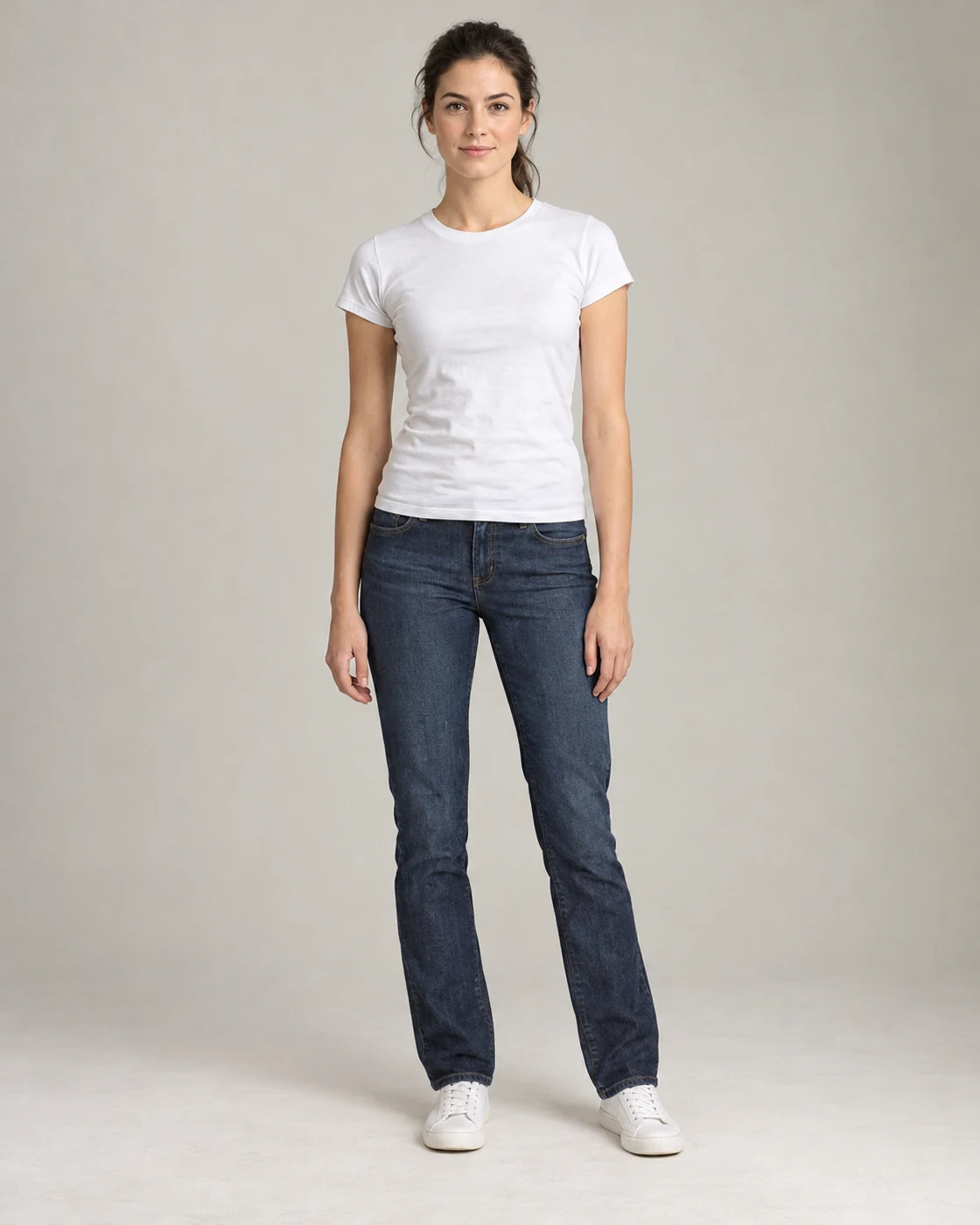
Add a recent portrait, a full-length photo and a side view. Natural light, clear focus and simple clothes help show your current appearance. A professional shoot is not required to get started.
What to upload
- Clear face, without filters or sunglasses.
- Full-length framing without cropped head or feet.
- Side view in a natural posture.
Face, beauty & jewellery
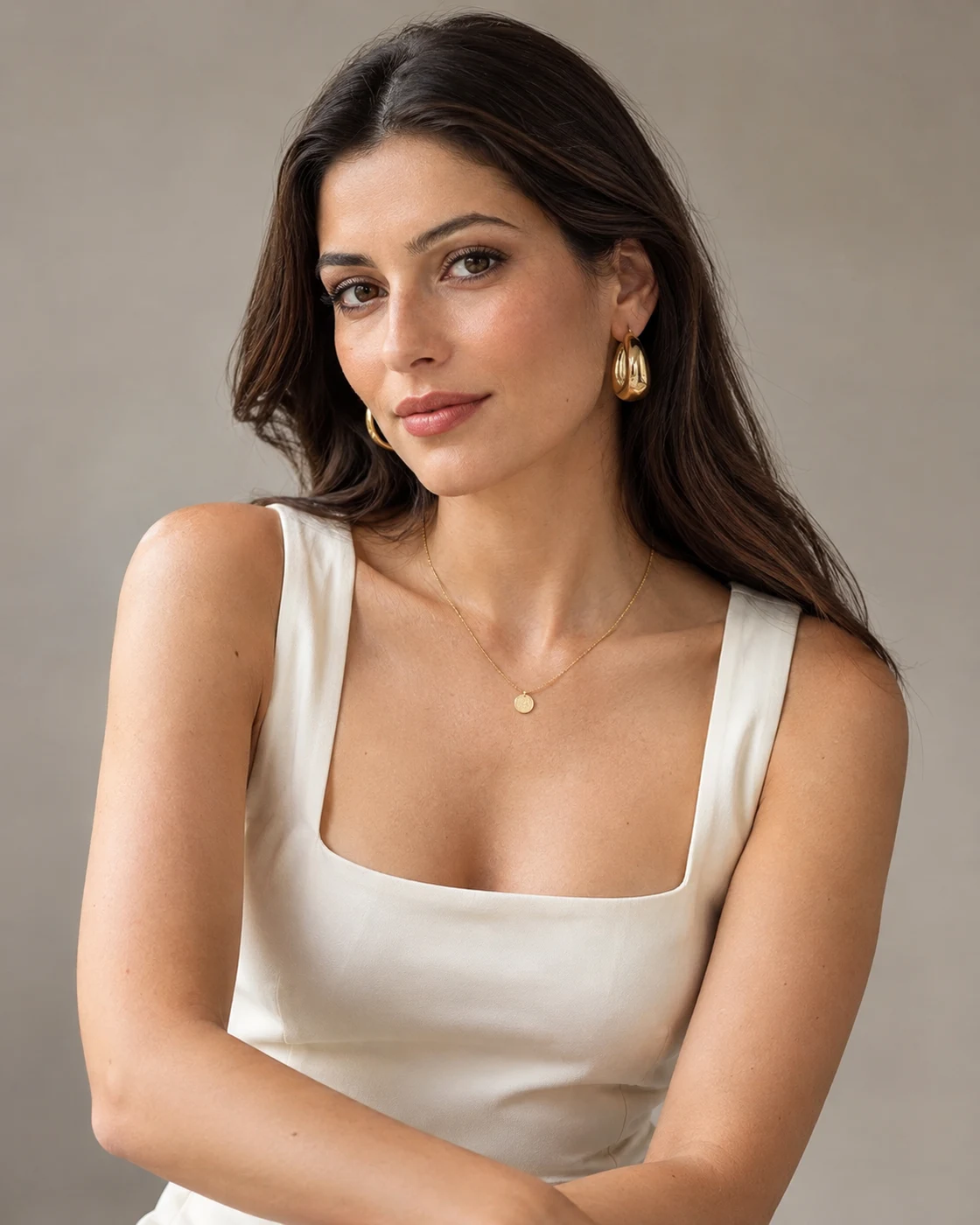
For cosmetics, makeup, skincare, jewellery or eyewear, choose chest-up portraits. Leave room around your face so shoulders, hair and accessories remain visible. A three-quarter view with hair tucked behind the ear helps show earrings.
What to upload
- One natural portrait and one photo with the relevant product or accessory.
- Soft, even light that preserves visible skin texture.
- Avoid face-altering filters and hair covering the product.
Clothing & online shops
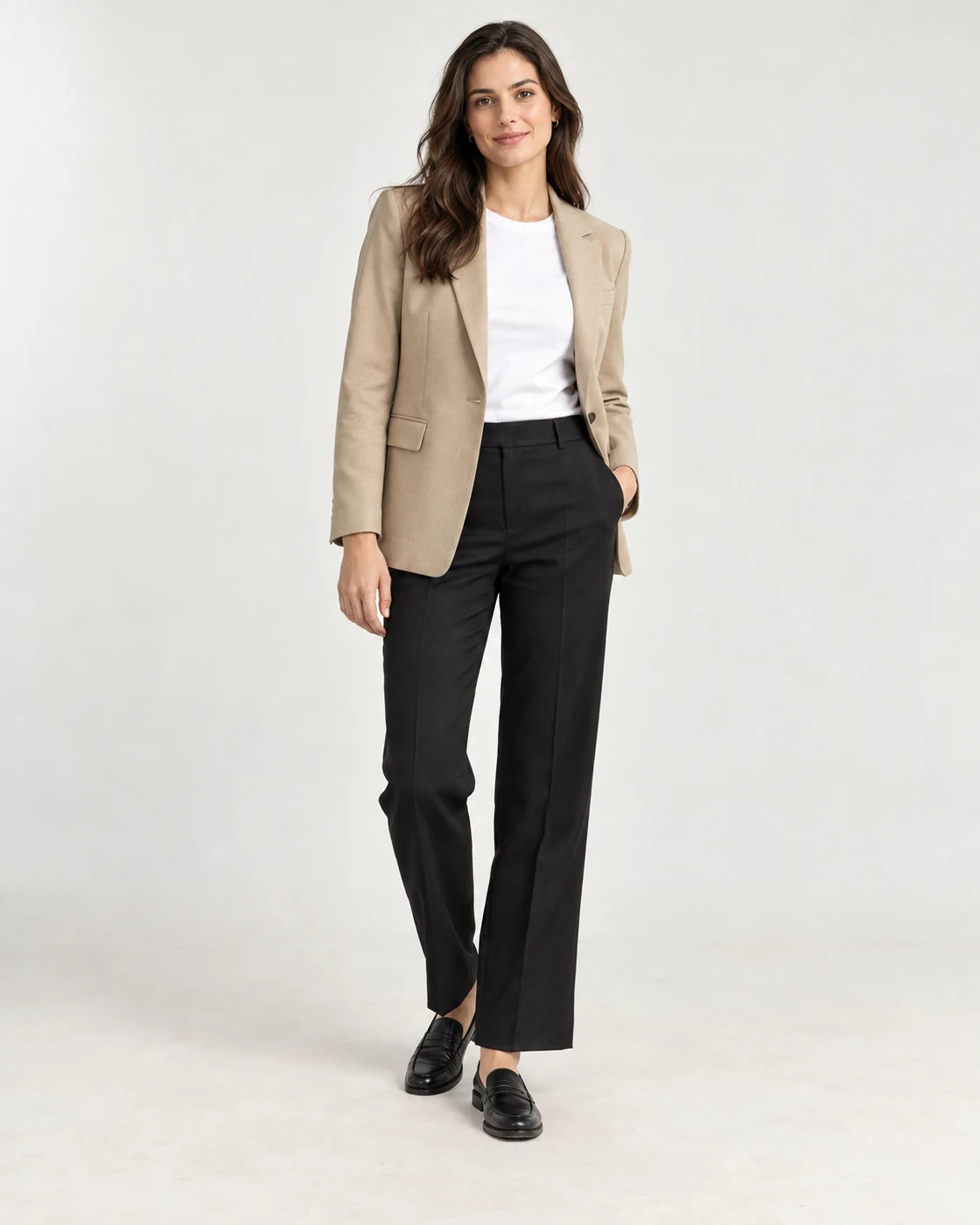
Choose photos that show how clothes fit you. A front full-length photo and a side or back view are more useful than many similar poses. Include two different outfits if available, with a clear posture and hands that do not obscure the garment.
What to upload
- Front full-length: entire head and shoes in the frame.
- Side or back view to show garment fit.
- Avoid distorting lenses and poses that hide the outfit.
Hostess & promotional work
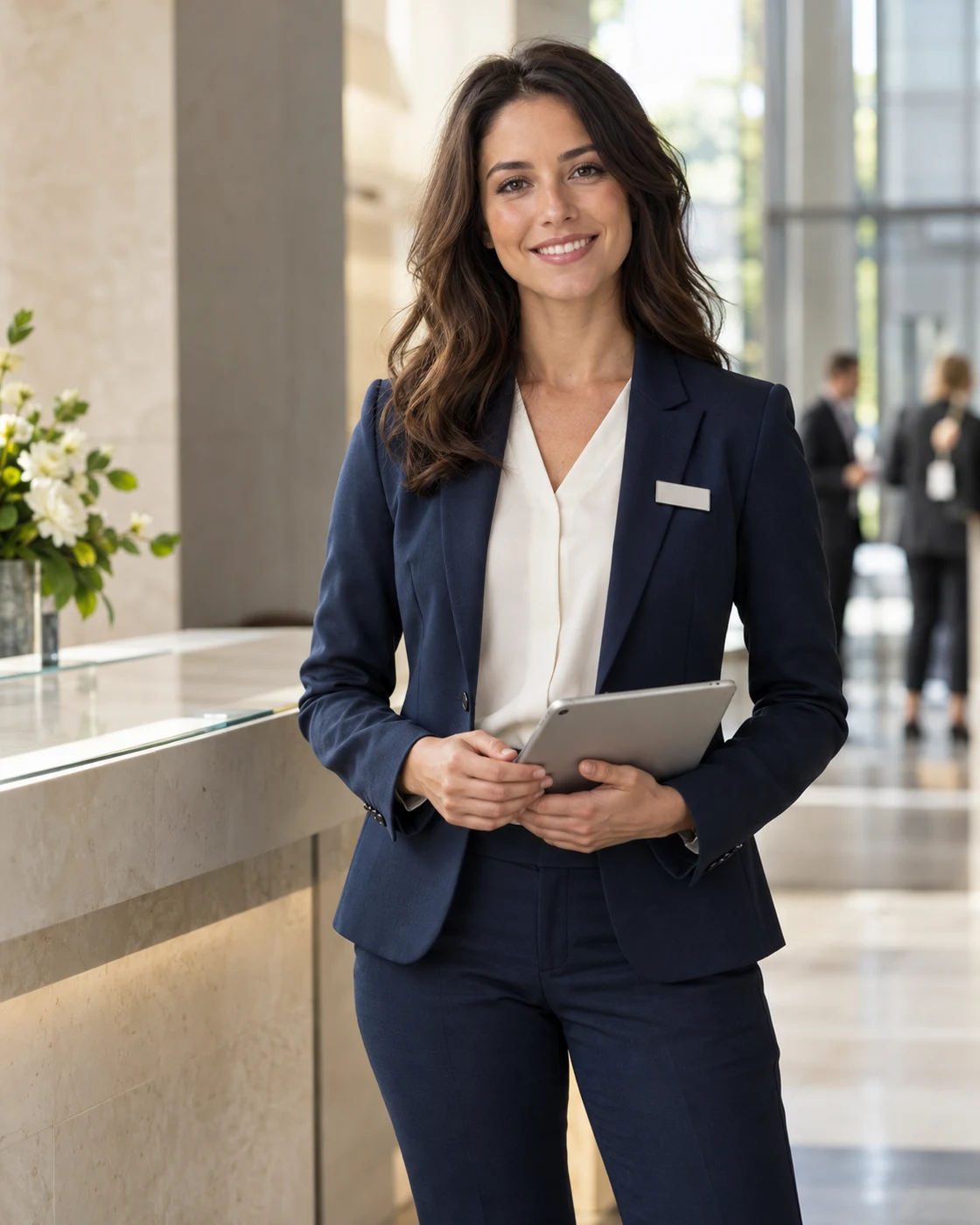
For event reception, exhibitions and promotions, show a polished professional appearance. Include a natural smiling portrait and a full-length photo in a simple dress, suit or equivalent outfit. If experienced, add an event photo you have permission to publish.
What to upload
- A clear portrait with a natural smile.
- A full-length photo in smart professional clothing.
- Avoid group pictures where it is unclear which person you are.
Lifestyle & advertising
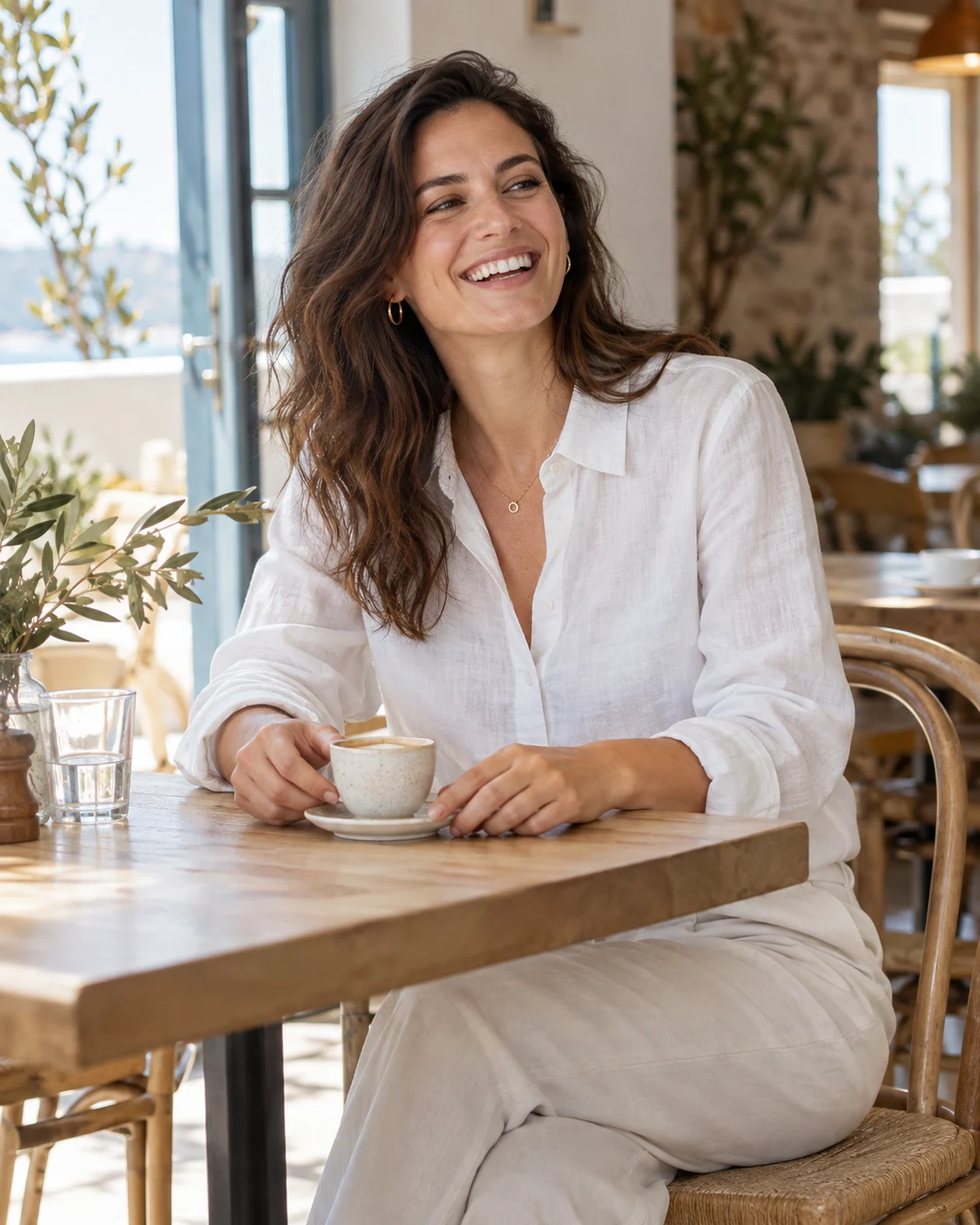
Brands often need people who can portray an everyday moment convincingly. Photos in a café, on a walk, at work or during an activity can show expression and ease in front of the camera. Choose scenes involving an action, not just looking at the lens.
What to upload
- Two different scenes or expressions are enough to start.
- Keep the face visible and the action clear.
- Avoid unrelated snapshots, dark nightlife pictures and heavy filters.
Swimwear & lingerie: use the Private Portfolio
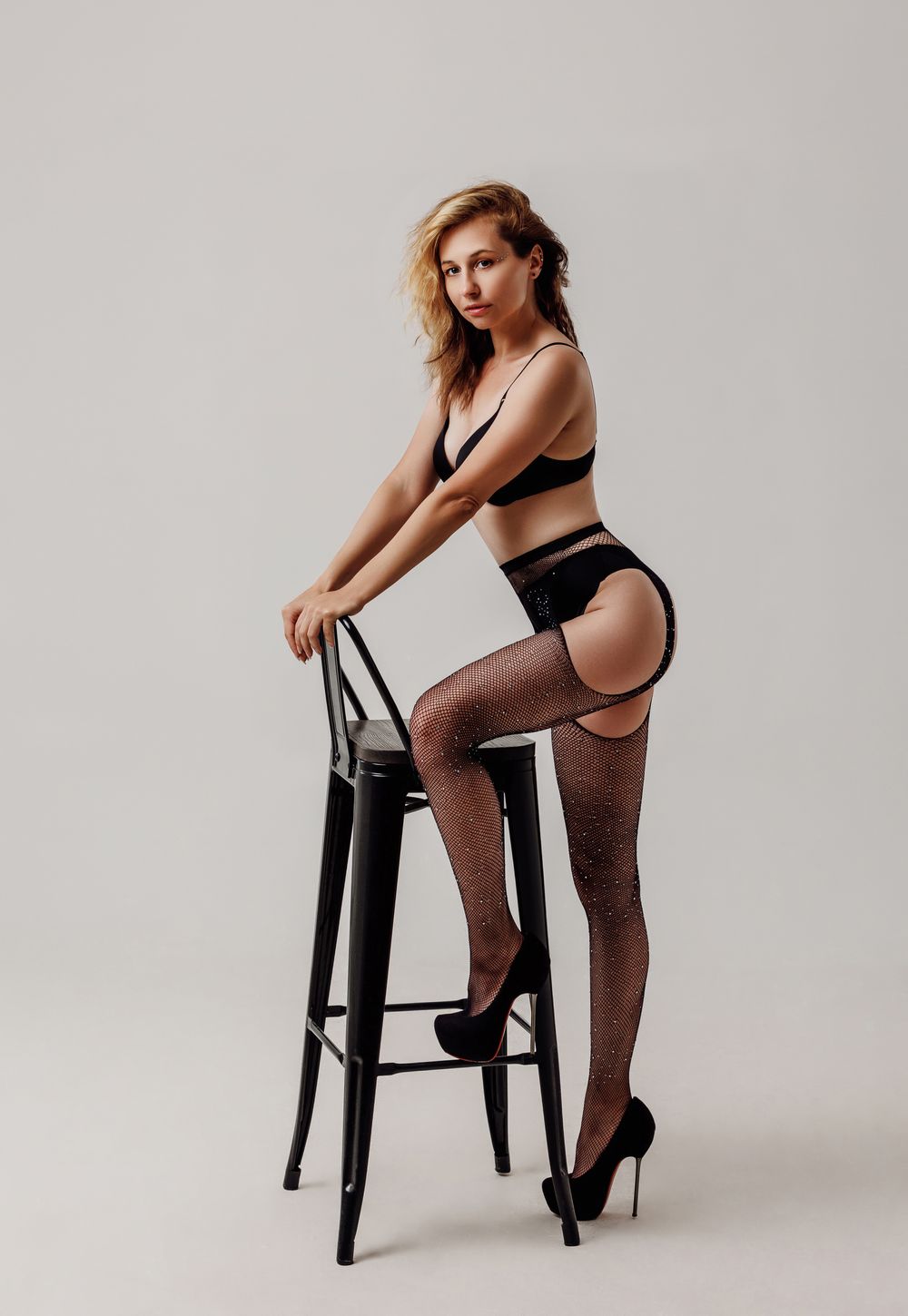
If you choose these work categories, we recommend adding the relevant photos to your Private Portfolio. They do not appear in the public portfolio, and access is controlled through the platform settings. This material is optional and is not needed for face-only, clothing or event work.
What to upload
- A clear front full-length photo and one side view in a natural posture.
- Show garment fit with a neutral catalogue presentation.
- Check that Private Portfolio is selected before completing the upload.
Before you upload
- Choose a small selection of recent, sharp photos; remove duplicates.
- Use images that reflect your current appearance. Avoid filters, heavy retouching and AI-generated portraits in your own portfolio.
- Start with the photo most relevant to the work you want. Choose only categories you wish to work in.
- Use photos you are entitled to publish. Check public or private visibility for each upload.